
Image to ASCII art, in your browser
Turn a photo, a logo or an illustration into ASCII art - characters arranged so the picture still reads. Drop the image in, pick a preset, and take it away as a PNG, plain text, Markdown, HTML, a terminal banner or SVG.
Free, no account, nothing to install, and nothing is uploaded: the conversion runs on your own computer.
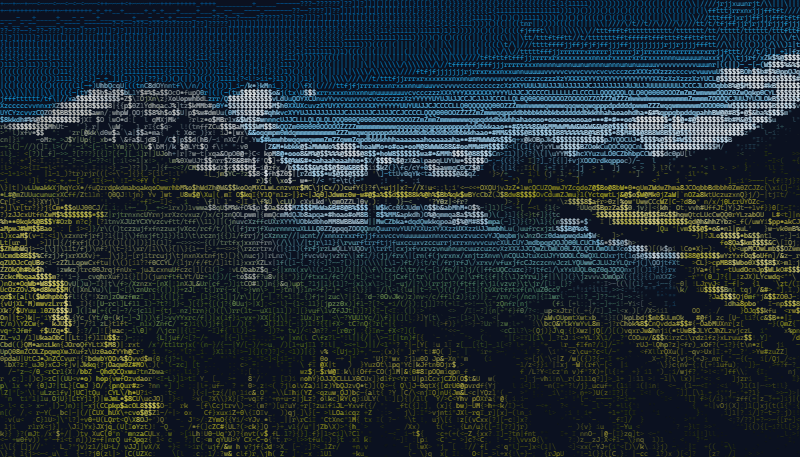
How to convert an image to ASCII art
- Add the image. Drag it onto the drop zone, click to browse, paste it from the clipboard, or give the address of an image online. PNG, JPG, GIF, WebP and SVG all work, and a transparent background stays transparent.
- Pick a preset. Photo for photographs and detailed artwork; README block, 80-column terminal, Square avatar or 1920 x 1080 wallpaper when you already know where the art is going.
- Set the detail. The Detail slider is how many characters wide the art is: 80 for a terminal, 120 to 200 for a sharp picture, up to 1000. Character size turns that grid into pixels, and the finished size is shown as you move it.
- Choose the color. Keep the image's own colors, snap them to 256 or 16 terminal colors or to your own brand palette, map them onto a duotone, or go grayscale or black and white.
- Export. Download a PNG at the exact size shown, copy the text or the image, or save it as Markdown, HTML, ANSI, a shell script or SVG.
Photos: the settings that matter
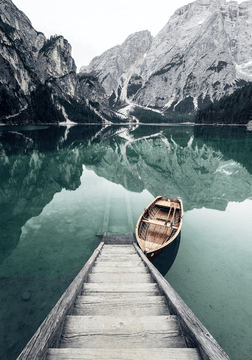
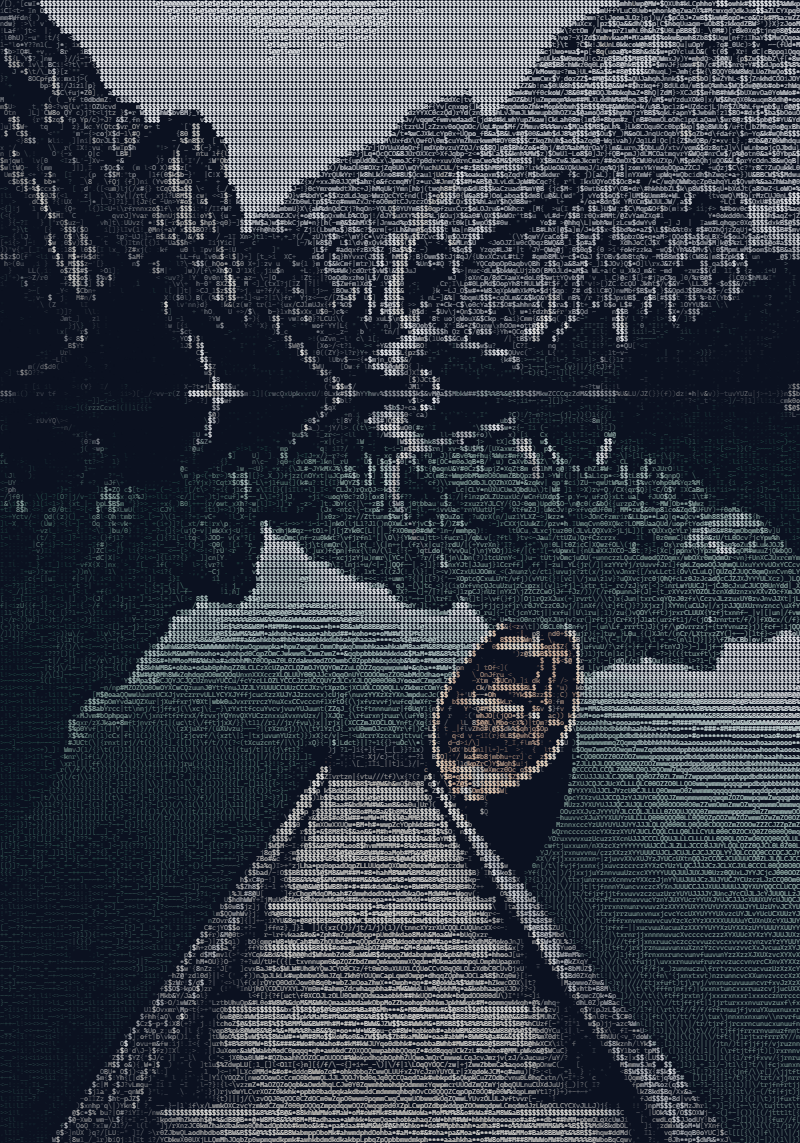
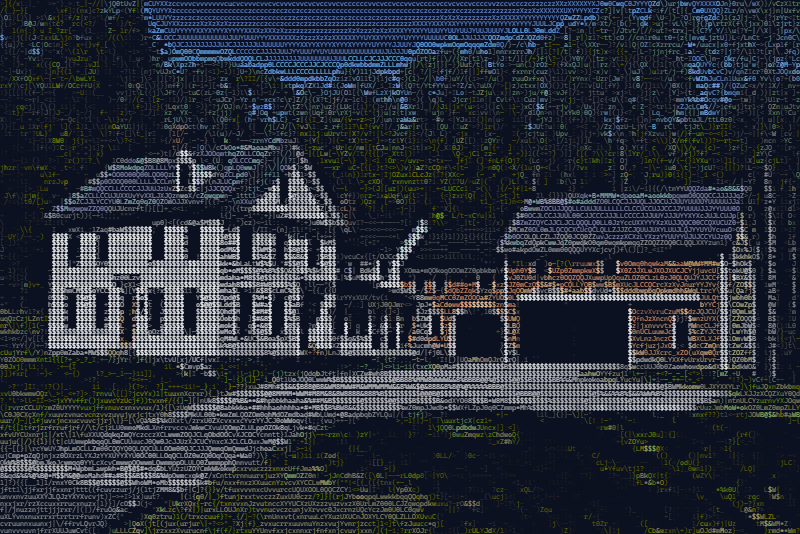
A photograph is mostly soft tone rather than hard edges, so it wants different settings from a logo. The Photo preset sets all of these in one click:
- More characters
- Tone needs room. 160 to 200 characters across turns smooth shading into a smooth ramp instead of a few blotches.
- The 70-level ramp
- The Detailed character set has 70 steps from empty to dense, against 10 for Standard - the difference between a gradient and a staircase.
- Dithering on
- Floyd-Steinberg dithering passes each character's rounding error on to its neighbors, so skies and skin shade smoothly instead of banding.
- Outlines off
- Edge characters keep a logo crisp, but in a photo they trace every texture. The Photo preset switches them off.
- Sharpen and local contrast
- Two Tone sliders made for photos. Sharpen brings back fine detail the downscale softened; Local contrast lifts flat, gray areas region by region.
One more setting decides whether a photo looks right: which tones become characters. On a dark background the bright areas should be the dense ones; on a light background, the dark areas. Auto picks from the image, and the two manual choices are there for the photo that fools it - if your result looks like a negative, flip it.


Logos and illustrations
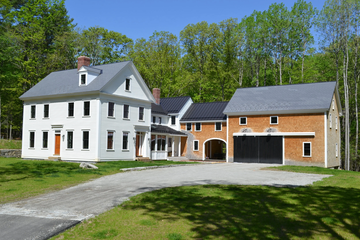
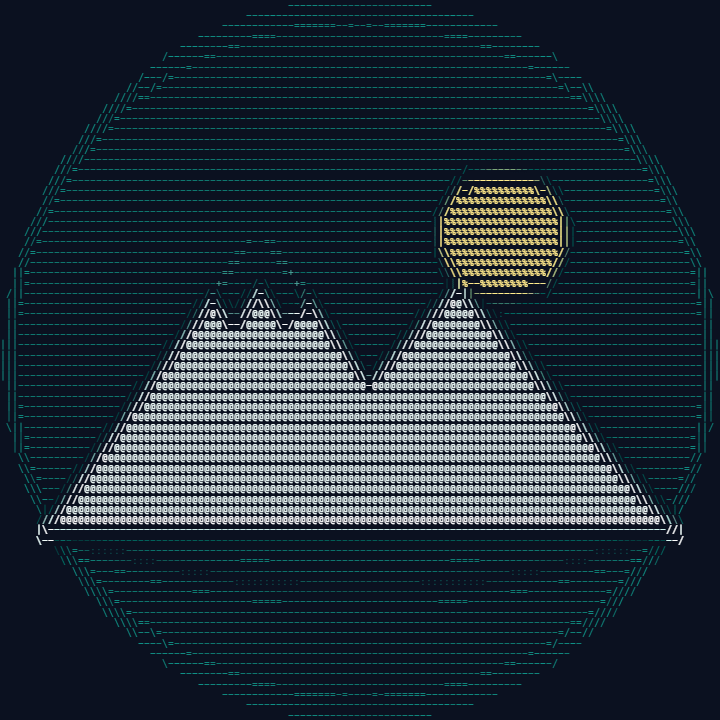
A logo is the opposite of a photo: flat color and hard edges, and the edges are what make it recognizable. The default settings are built for that.
- Edge characters trace outlines with
- \ | /so a silhouette stays sharp instead of dissolving into the shading. - Trim empty margins crops the blank border so the mark fills the frame.
- Transparency is read as transparency, not as white, so a knockout logo converts the way you expect - on any background, or on none.
- Outline only drops the shading for a clean line-art version.
- Quadrant blocks and Braille pack four or eight pixels into every character, for a small logo that stays sharp at 40 or 60 characters wide.






Color, grayscale or black and white
| Color mode | What it does | Good for |
|---|---|---|
| Full color | Every character keeps the color of the part of the image it covers. | PNG, HTML and SVG for the web |
| 256 or 16 colors | Snaps each color to the xterm 256 or ANSI 16 palette. | Terminal banners |
| Grayscale | Keeps each character's brightness and drops the hue. | A black and white photo look |
| Custom palette | Snaps every character to the hex colors you type. | On-brand art in your own colors |
| Duotone | Maps dark to light onto two colors you pick. | Posters, headers, social images |
| Black on white, White on black | One ink on one paper - the shape is carried by the characters alone. | Print, documents, plain text |
| One color | Every character in your Text color, on your Background. | Matching a site or a theme |
Which format to save
| Format | Use it for |
|---|---|
| PNG | Anywhere an image goes: social posts, slides, a website. The exact size you set, with an optional transparent background. |
| Text and Markdown | READMEs, code comments, chat messages, email in a monospace font. See the README guide. |
| HTML | A colored block you can drop into a page; colors are grouped, so it stays small. |
| ANSI and .sh | Terminal and login banners. See the terminal guide. |
| SVG | Print and large formats - vector, so it stays sharp at any size. |
| Animated .html and .gif | An animated GIF, played back frame by frame as ASCII art. |
Private by design
Most online converters upload your picture to their server. This one never does: the page reads the image, does the math and draws the result on your own computer. The site's security policy blocks the page from sending your image anywhere, so that is enforced by the browser rather than promised in a privacy policy. Once the page has loaded, converting needs no network at all.
Questions about converting images
- Which image formats can I convert?
- PNG, JPG, GIF (animated ones too), WebP, SVG, BMP and AVIF - anything your browser can open as an image. SVG logos are drawn at high resolution first, so they convert from real detail.
- How large can the ASCII art be?
- Up to 1000 by 1000 characters. The PNG is capped at about 16 megapixels, because browsers silently produce a blank image past that; the page warns you and scales down instead.
- Why does my photo look like a negative?
- Which tones become characters depends on the background. On a dark background, set Which tones become characters to Bright areas are dense; on a light one, Dark areas are dense.
- Can I convert an animated GIF?
- Yes. Drop it in and use Play animation to watch it as ASCII art, then save it as an animated HTML page or a new animated GIF. Browsers without the WebCodecs image decoder convert the first frame only.
More guides
- Text to ASCII art - FIGlet banners in 12 fonts
- ASCII art for a GitHub README - your logo as text in a README
- Terminal and SSH login banners - ANSI color banners for MOTD and your shell
- ASCII art for Discord - art that fits a message and a phone screen
- Examples - before and after, with the settings behind each
- FAQ - privacy, formats, licensing and troubleshooting